B2B product demo video production

Product Demo Videos That Show Buyers What Matters

A strong product demo does not show every button. It shows the right buyer how the product solves the right problem.

We turn complex platforms, software and technology into focused demo videos built for evaluation, sales and conversion.

Relevant examples and realistic pricing.

Response within 1 day
Levitate demo reel16:9 · 4K

Trusted by 3,000+ brands

The problem

Your Product Demo Is Not a Feature Tour

Most demo videos are built from the product outward, not from the buyer inward. These are the mistakes that cost you attention.

  • 01

    Too many features

    Covering everything means nothing lands. Buyers remember one clear outcome, not a full feature list.

  • 02

    No buyer story

    Without a scenario the buyer recognises, the product feels abstract and the demo feels generic.

  • 03

    Long screen recordings

    Raw UI capture slows the pace and buries the moments that actually sell the product.

  • 04

    Too much technical detail

    Depth belongs later in the conversation. Early detail overload loses non-technical stakeholders.

  • 05‍

    No clear business outcome

    Features describe what the product does. Buyers need to hear what it changes for them.

  • 06

    No clear next step

    A demo that ends without direction leaves interested viewers with nowhere to go.

Examples

Technology Explainer
Video Examples

Selected technology work across AI, FinTech, MedTech, SaaS, biotech and complex physical technology.
Vizio

  • Hero explainer film
  • 3D pipeline animation set
  • Sales cutdowns

Digital Realty

  • Product demo film
  • Interface simulation scenes
  • Procurement cutdown

Paymentus

  • Customer story film
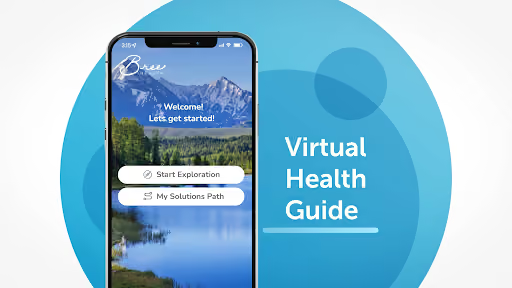
  • Clinician interview selects
  • Accuracy callout graphics

Breezeline

  • Launch film
  • Event opener cut
  • Channel teaser set

Demo framework

From Problem to Product to Outcome

Show just enough of the product to make the value clear. Every step earns its place in the buyer's story.

  • 01/problem

    Establish the buyer problem

    Begin with the job the buyer is trying to do.

  • 02/product

    Introduce the product

    Make the connection between that problem and the solution.

  • 03/workflow

    Show the important workflow

    Demonstrate what changes for the user, not every feature.

  • 04/differentiation

    Focus on differentiation

    Give buyers a reason to remember this approach.

  • 05/value

    Connect features to value

    Explain why the workflow matters to the business.

  • 06/next step

    End with the right next step

    Leave the viewer with a clear path forward.

Industry relevance

Complex Technology
Comes in a Lot of Forms

The terminology changes. The communication challenge is often the same.
  • AI

    01
  • SaaS + enterprise software

    02
  • FinTech

    03
  • Biotech

    04
  • MedTech + healthcare technology

    05
  • Cybersecurity

    06
  • Data + cloud infrastructure

    07
  • Automation + manufacturing technology

    08

Demo types

Show the Product the Way Buyers Need to See It

A visual language chosen for the story your buyers need to understand.
  • Product overview

    Best for introducing the product's core value and workflow.
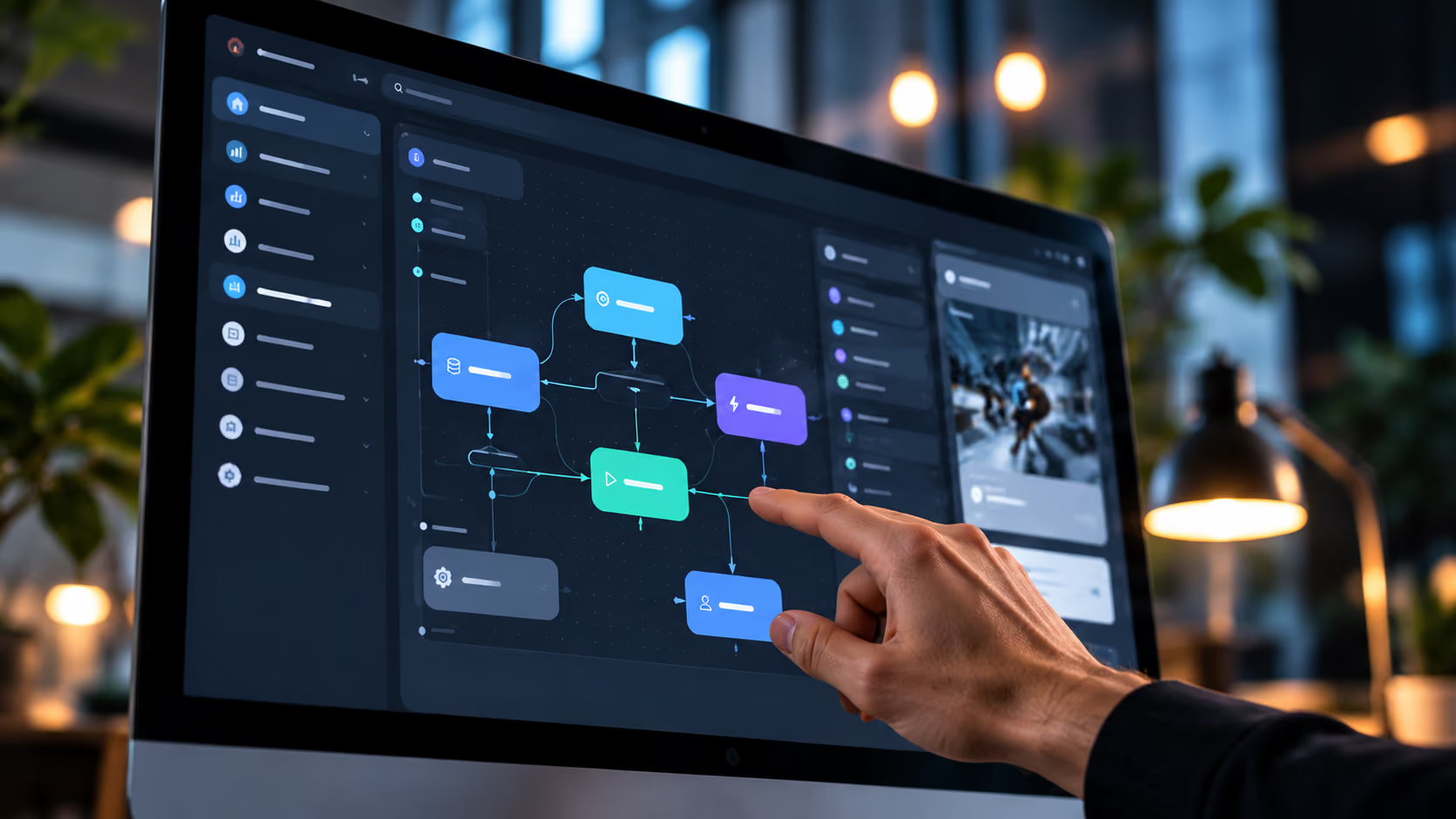
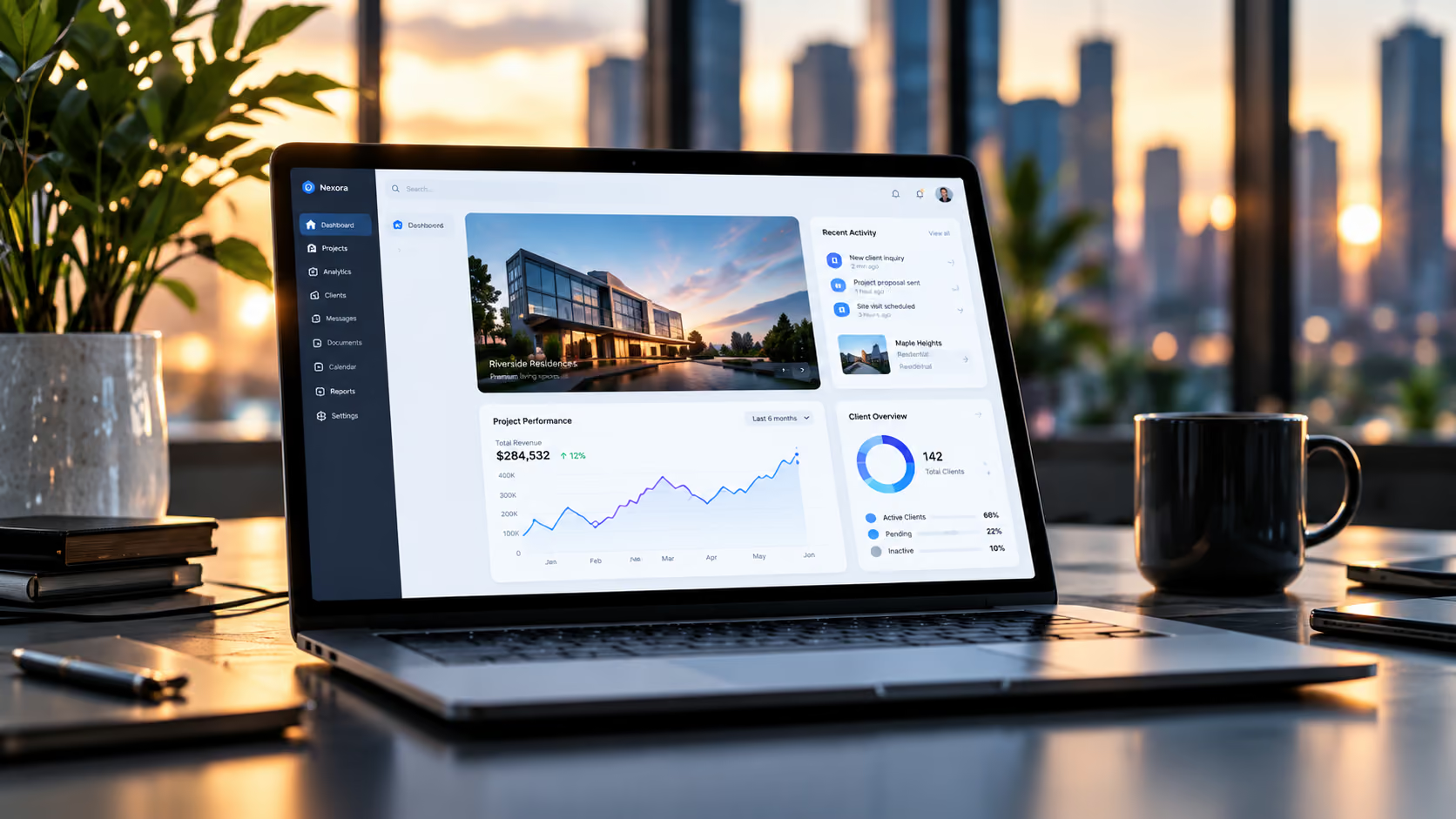
  • UI walkthrough

    Best for making an actual interface and sequence easy to follow.
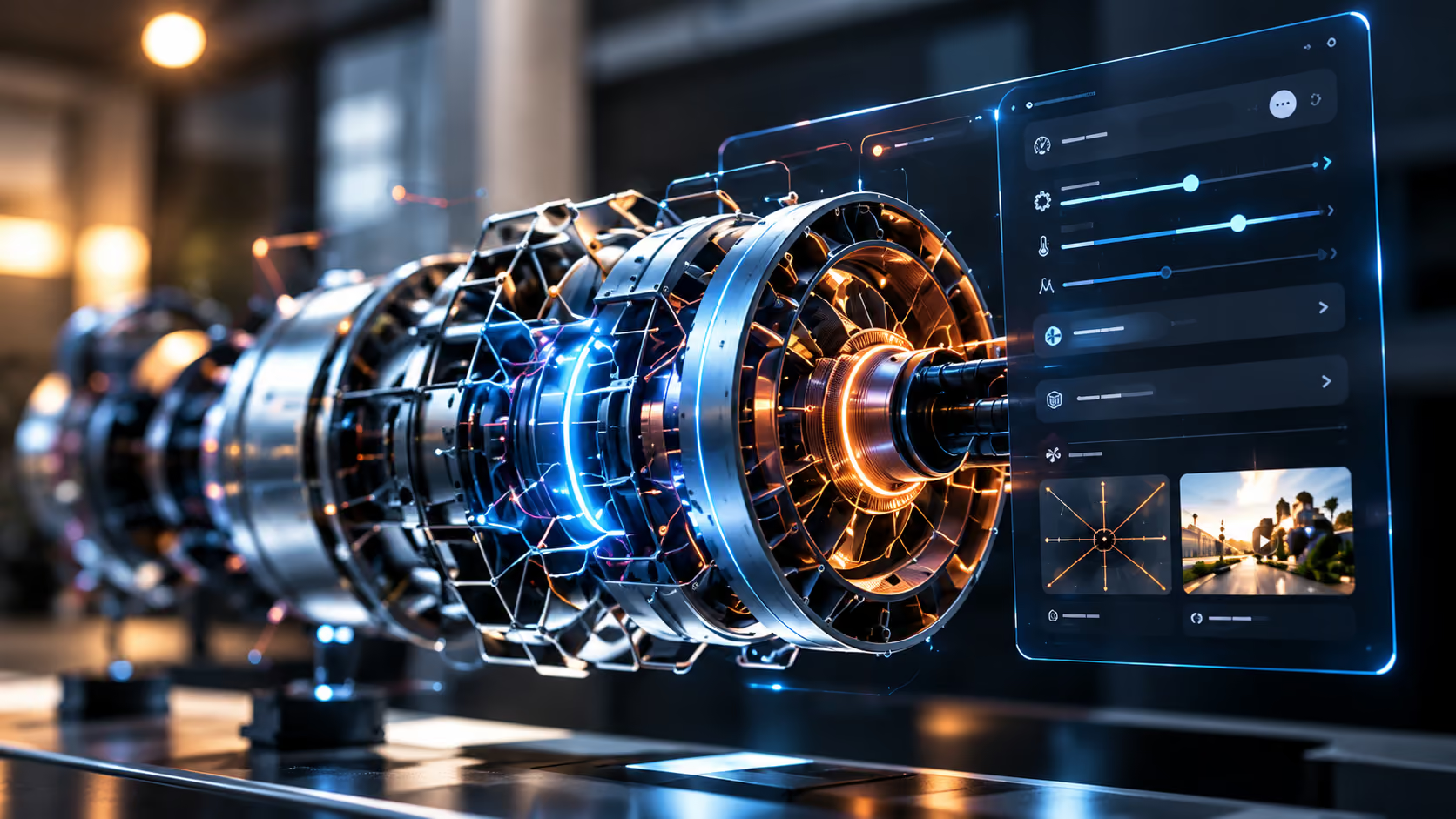
  • Feature demo

    Best for a specific capability buyers ask about.
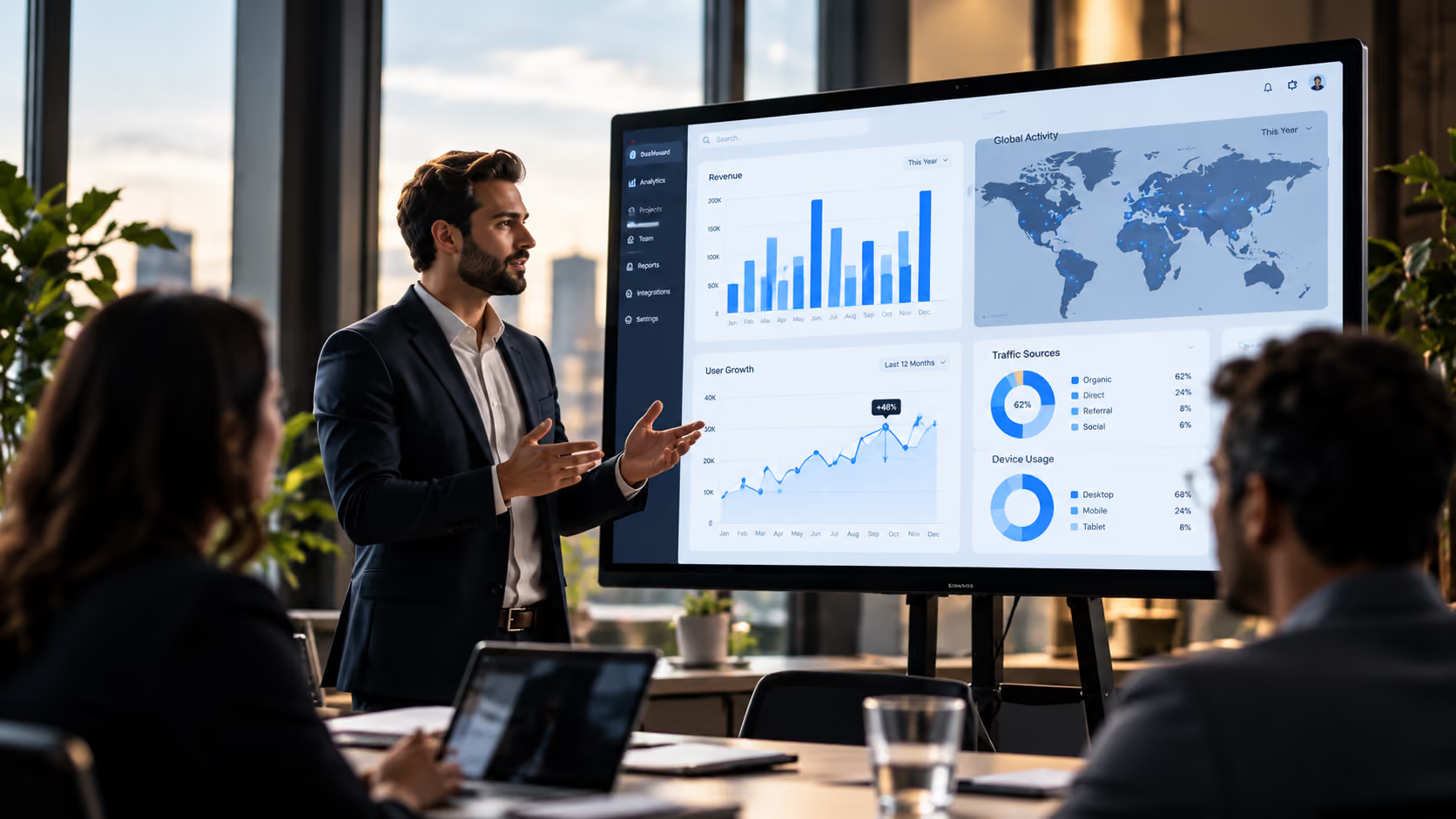
  • Sales demo

    Best for answering a buyer's evaluation questions.
  • Launch demo

    Best for showing what is new in a release.
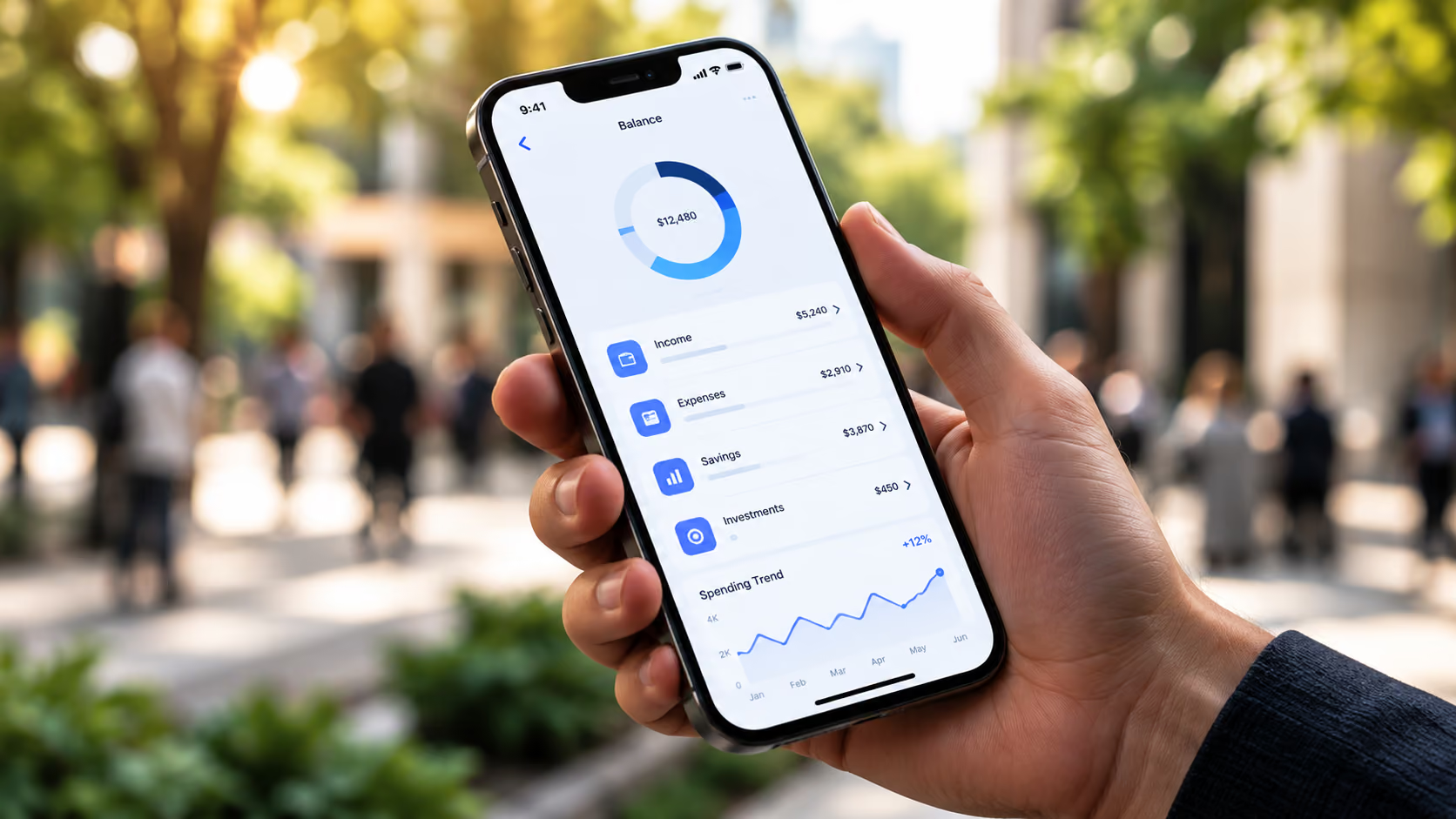
  • App demo

    Best for explaining a mobile-first experience
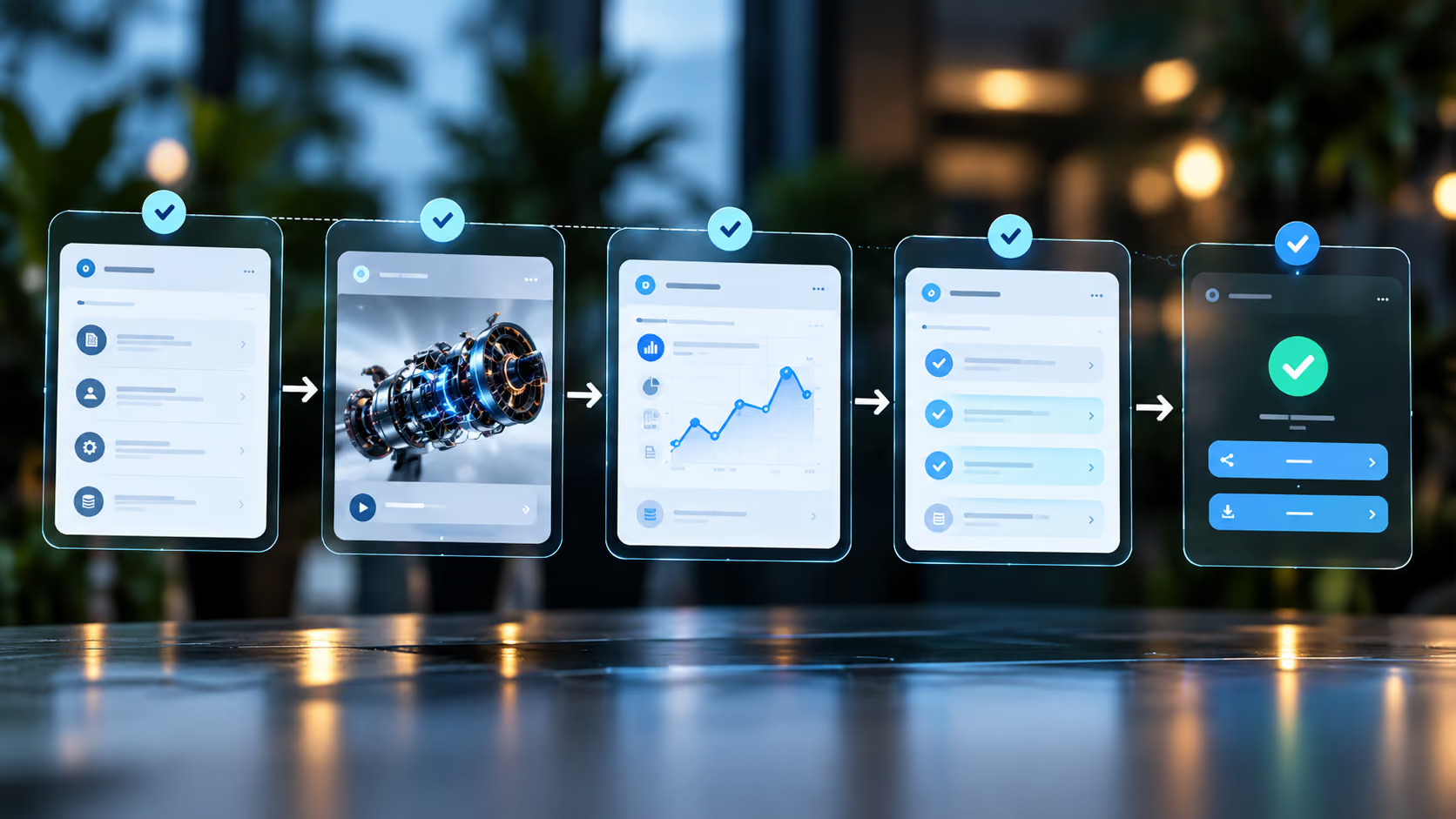
  • Workflow demo

    Best for showing the task from start to finish.
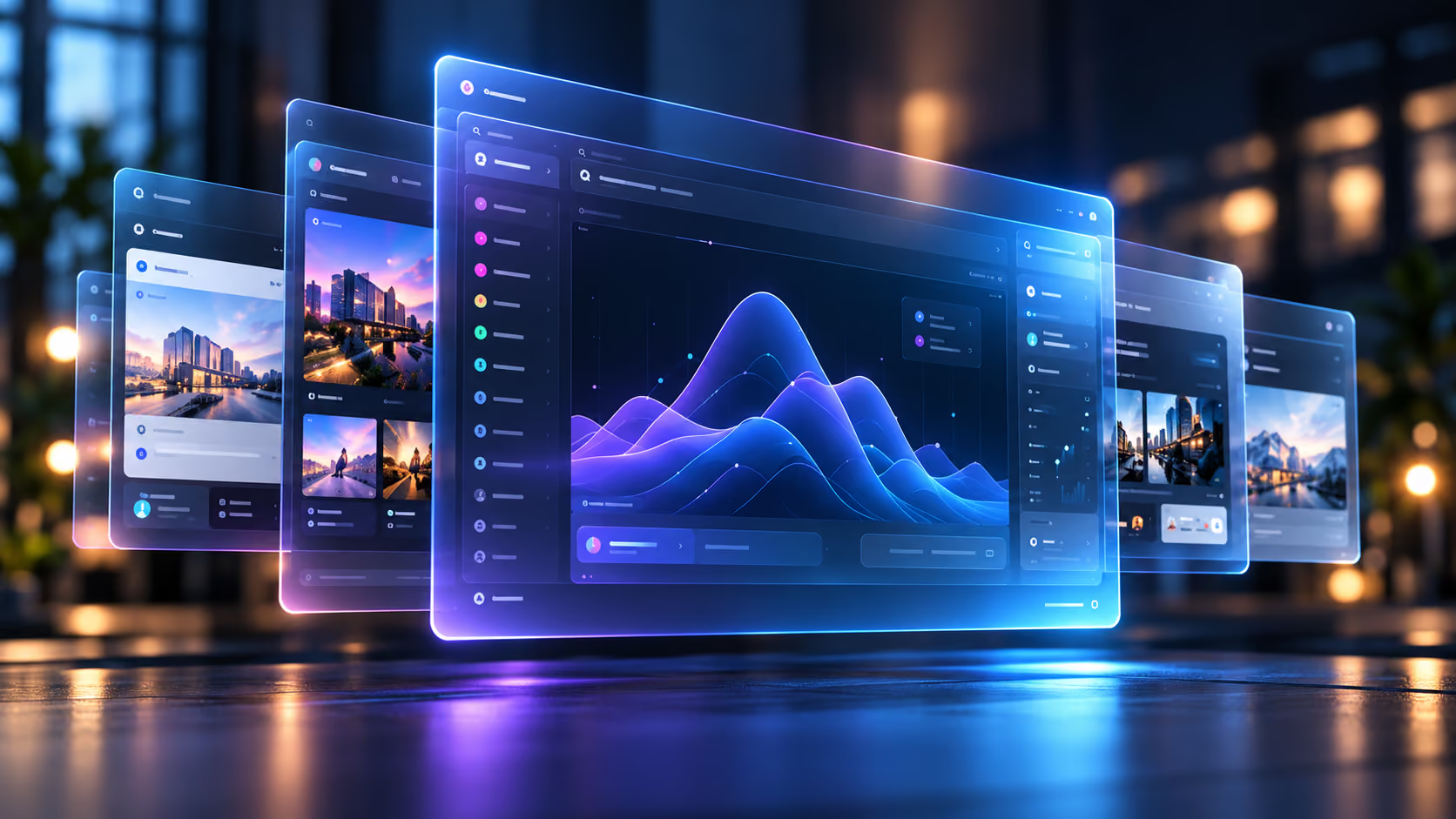
  • Animated interface

    Best for directing attention or explaining a changing interface.
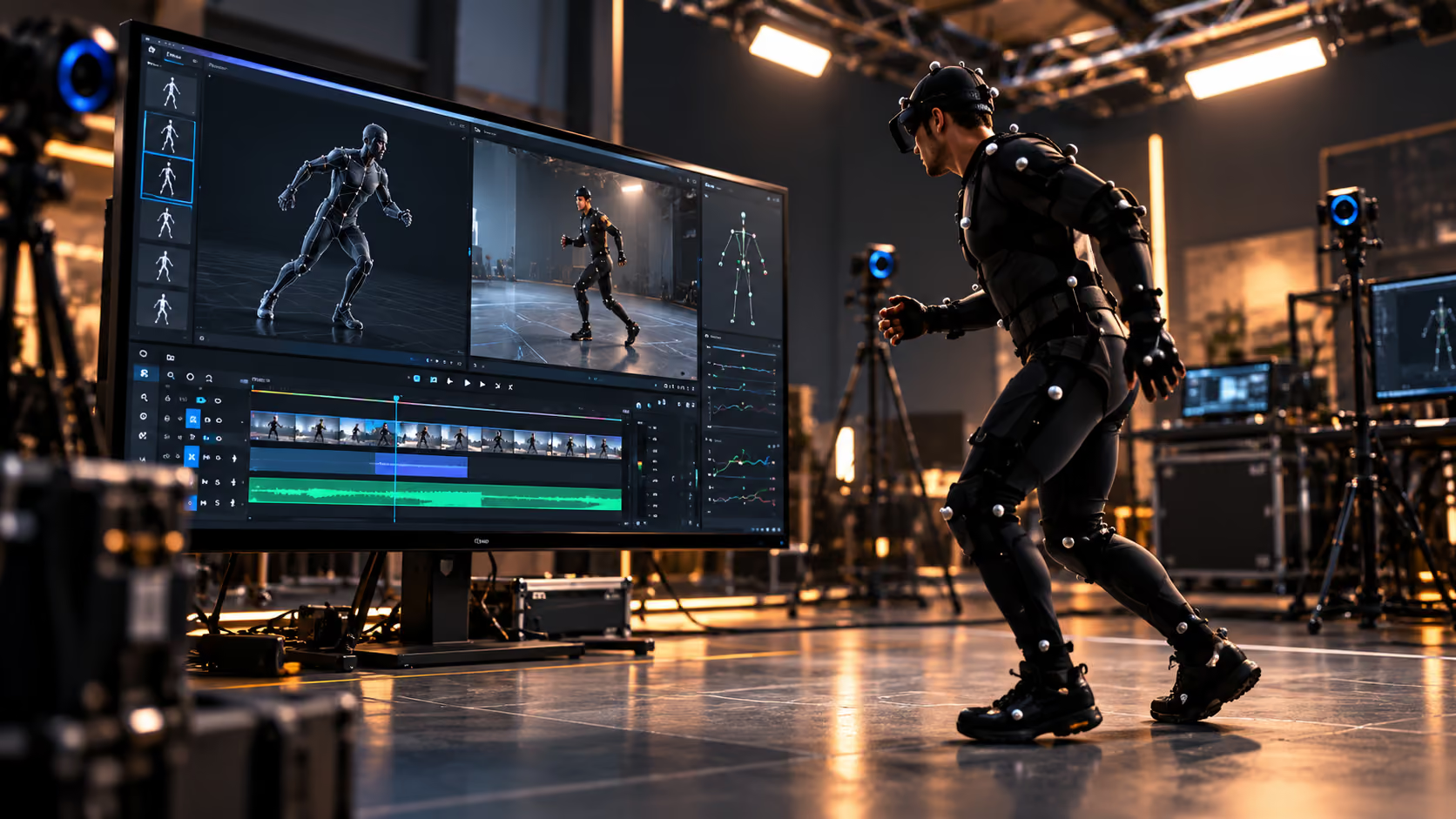
  • Screen capture + motion

    Best for combining interface accuracy with visual clarity.

Real vs animated UI
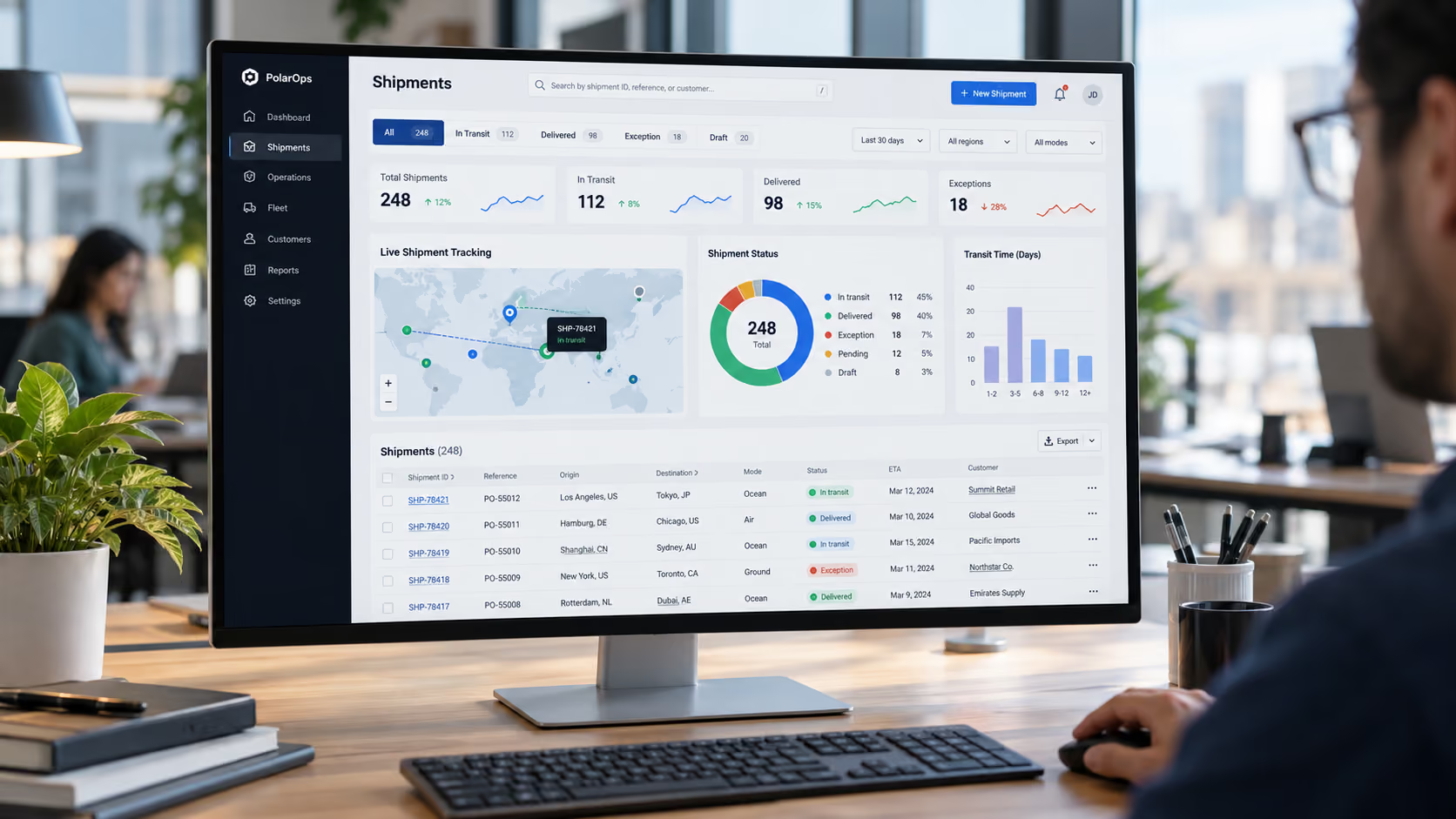
What Should the Buyer Actually See?

  • Real UI — for workflow accuracy
  • Animated UI — for focus and flexibility
  • Hybrid — for both clarity and fidelity

How we work

A Process Built for Busy Technology Teams

01/ 04

01

Output

A focused creative brief

  1. Step 01

    Understand

    Align on the buyer, product and business goal.

  2. Step 02

    Simplify

    Find the clearest story without losing technical truth.

  1. Step 01

    Understand

    Align on the buyer, product and business goal.

    A focused creative brief

  2. Step 02

    Simplify

    Find the clearest story without losing technical truth.

    An approved narrative and script

  3. Step 03

    Create

    Choose and produce the right mix of film, UI and motion.

    A polished hero asset

  4. Step 04

    Multiply

    Adapt the core story for the channels that need it.

    Useful versions and cutdowns

Multi-asset opportunity

One Demo Can Become
an Entire Content Set

01/ 07

Potential deliverables, scoped to the project:

  1. Deliverable 01

    Full demo

    The complete walkthrough of the workflow that matters most.

    Main cut
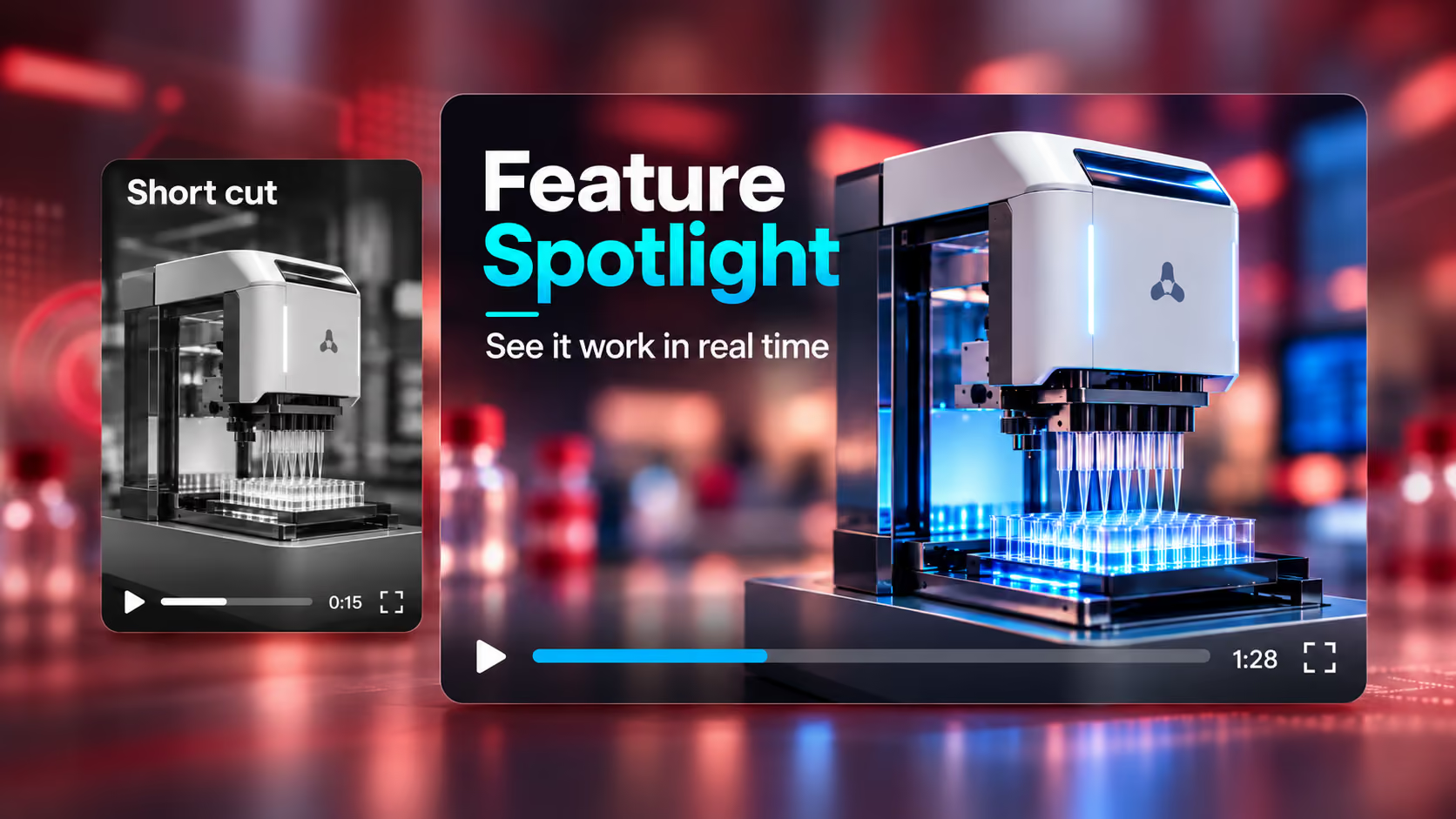
  2. Deliverable 02

    Short overview

    A concise version to quickly communicate the key message.

    Main cut

  1. Deliverable 01

    Full demo

    The complete walkthrough of the workflow that matters most.

    Main cut

  2. Deliverable 02

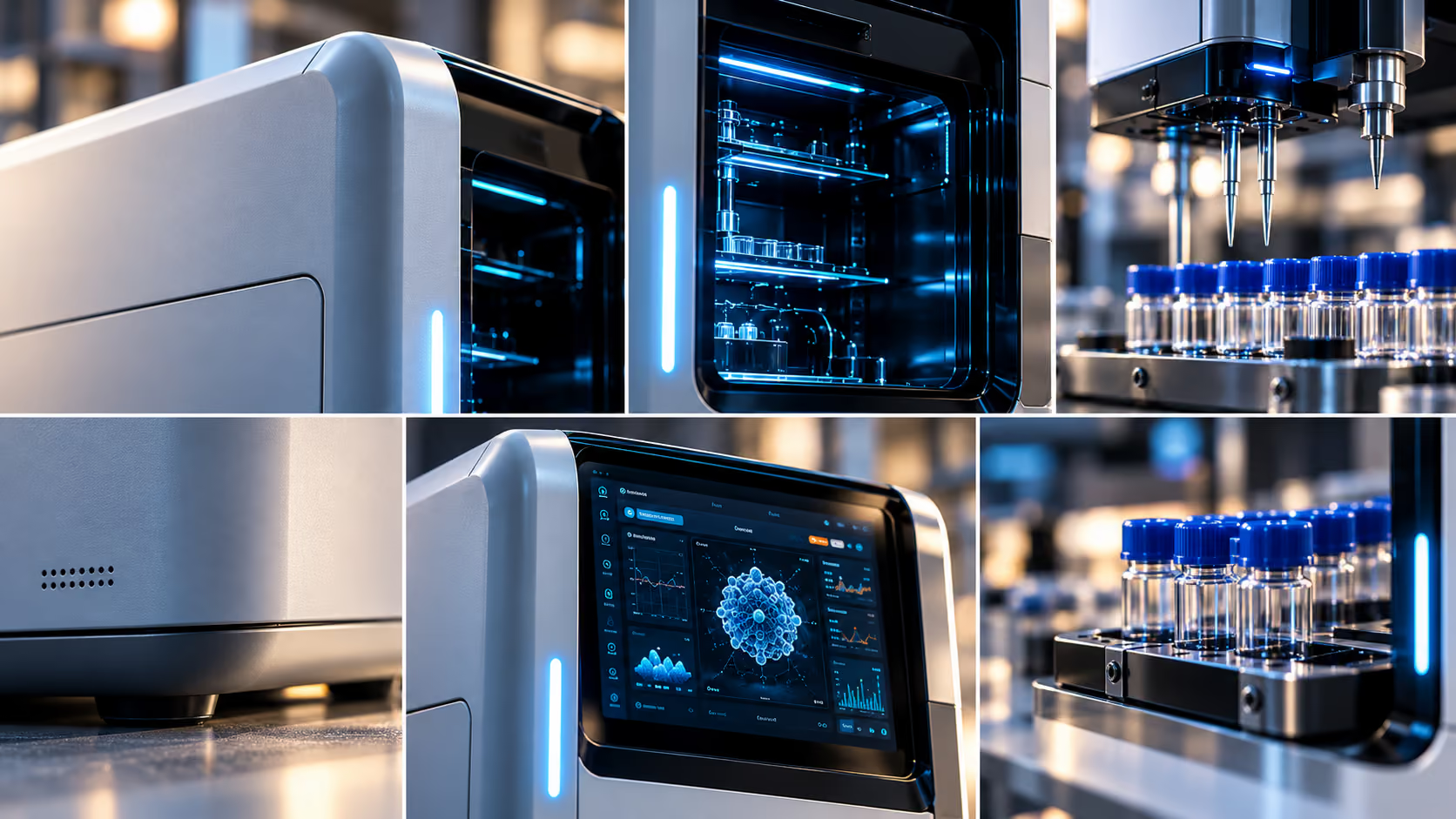
    Feature clips

    Focused cuts, one capability at a time.

    FeATURE CUT
  3. Deliverable 03

    Short overview

    A condensed version for quick first impressions.

    MAIN cut
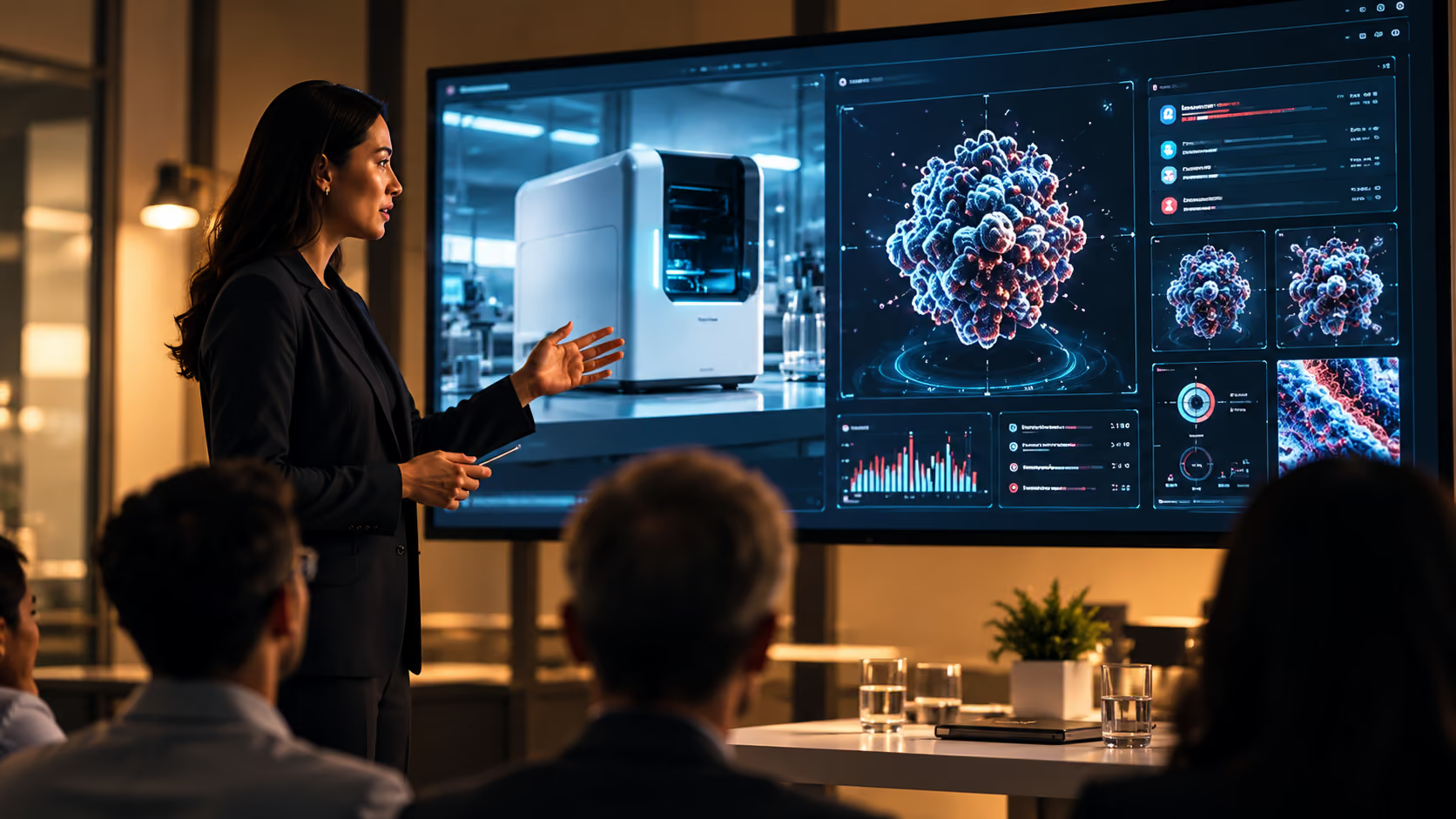
  4. Deliverable 04

    Sales clips

    Edits tailored to sales conversations.

    SALES EDIT

  5. Deliverable 05

    Paid ads

    Short, punchy edits for paid placements.

    0:15 CUT
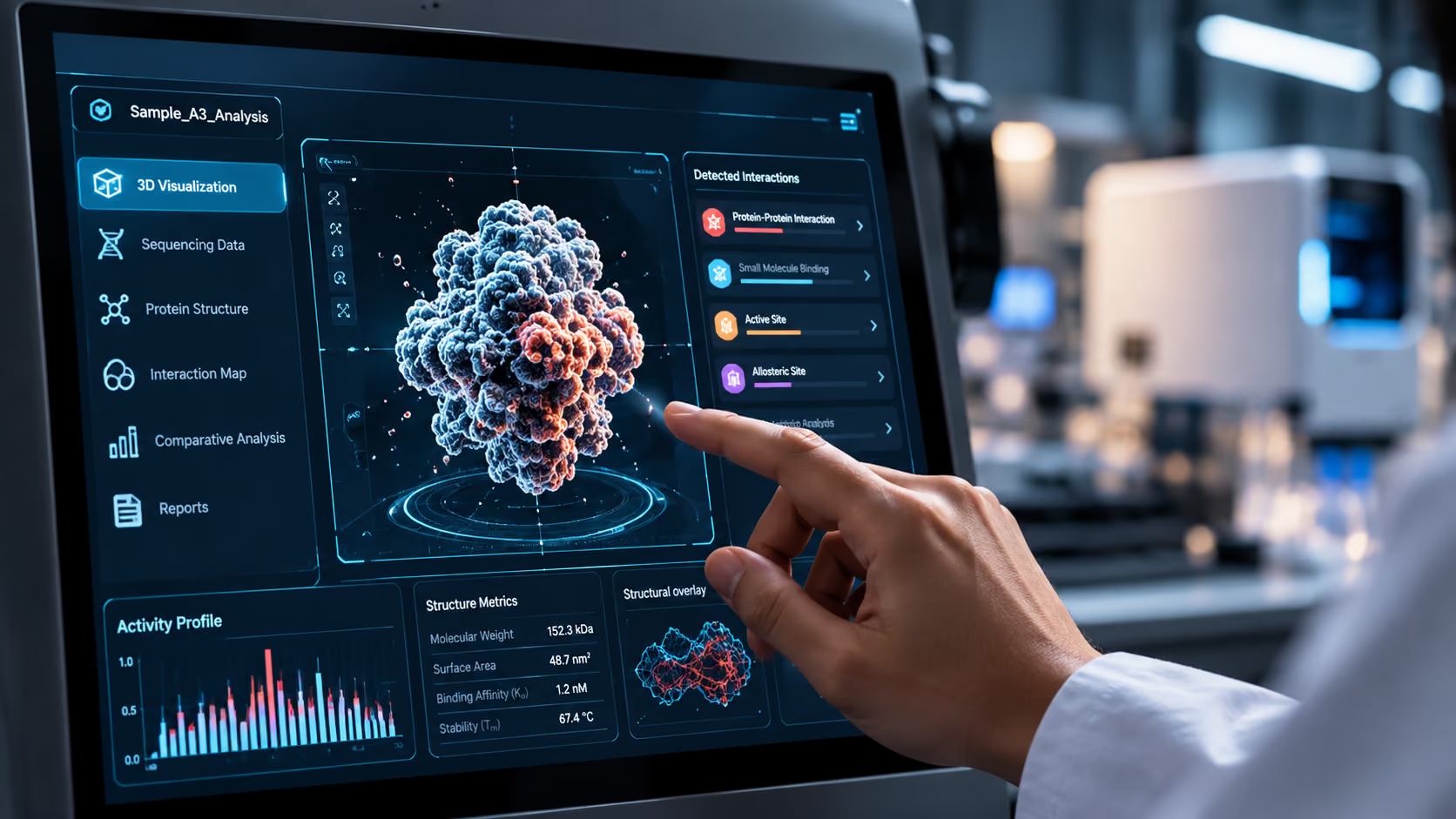
  6. Deliverable 06

    Social edits

    Vertical and square versions for social channels.

    9:16 VERTICAL
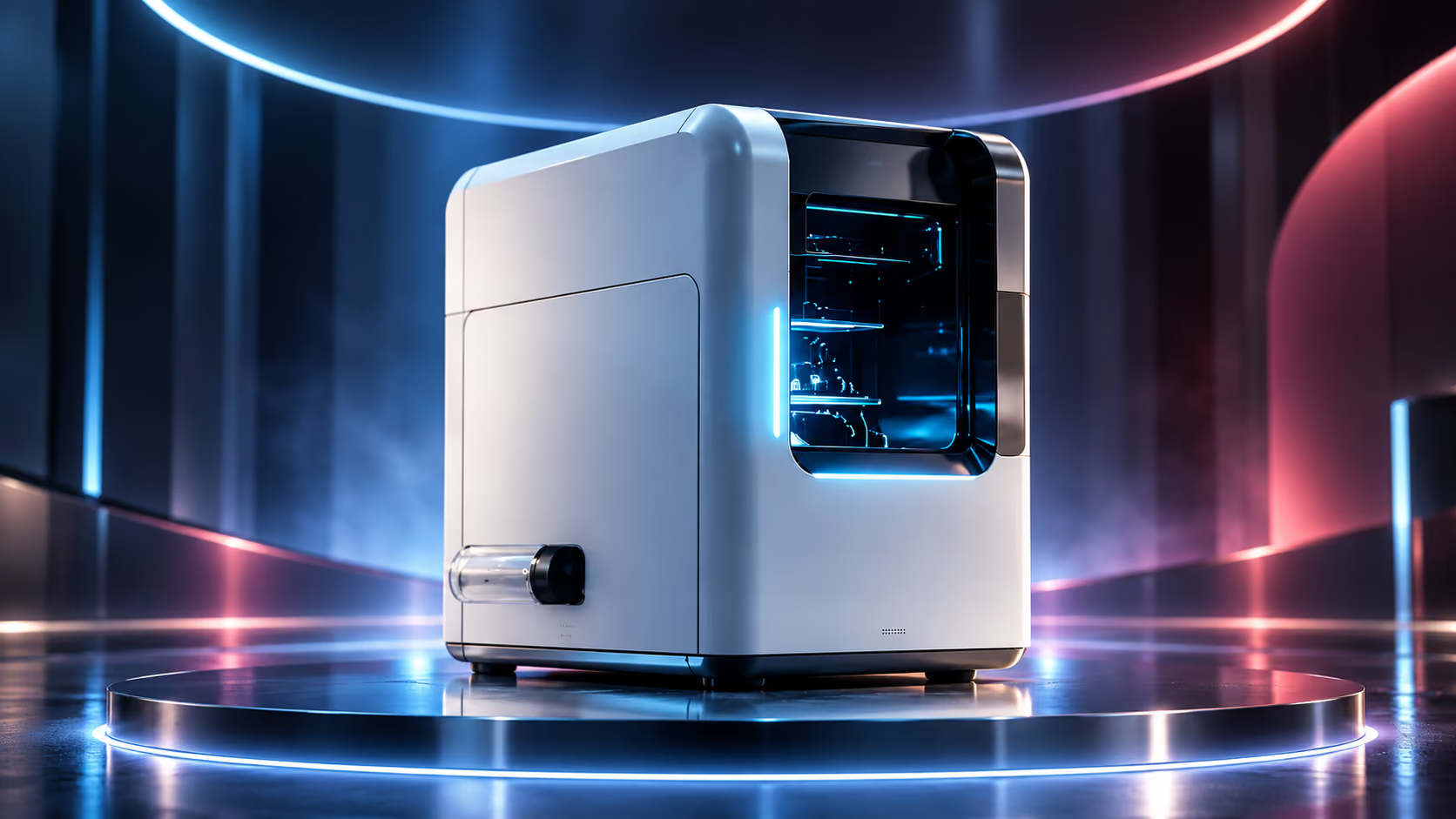
  7. Deliverable 07

    Launch version

    An edit aligned to release announcements.

    16:9 + 9:16

Pricing

Product Demo Video Pricing

The cost depends on the interface, the story and how many versions you need. Share your product and audience for a recommended approach and realistic range.

What shapes the scope

  • 01UI complexity
  • 02Screen capture
  • 03Animation
  • 04Script
  • 05Voiceover
  • 06Number of features
  • 07Number of versions
  • 08Length

A useful starting point

Ask for pricing andyou'll receive

  • Relevant examples
  • A recommended approach
  • A realistic pricing range

FAQ

Frequently Asked Questions

How long should a product demo video be?+

That depends on the viewer's stage and what they need to evaluate. We focus the story on the most useful workflow and scope length around that.

Should we show the real UI? +


Often, yes, especially when accuracy matters. We may recommend animated UI or a hybrid when it makes the workflow easier to understand.

Can you work with unrevised software? +

We can plan around product access, confidential material and interfaces that are still changing. We'll agree what can be shown before production.

Can you demonstrate complex AI products? +

Yes. We focus on the user action, product behavior and value rather than treating AI as a visual shortcut.

What happens if our UI changes? +

We can plan for changeable screens and agree on an update approach when scoping the project.

Can one demo support multiple buyer personas? +

Yes. A core production can be planned with tailored versions when different buyers need different details.

Can we create feature-specific versions? +

Yes. We can scope shorter feature cuts alongside the main demo.

Show Buyers What Matters.

Tell us about your product, the audience and the workflow worth showing.